
Download League Broadcast for Windows
Start free, then add League of Legends broadcast overlays to OBS Studio or other streaming software as browser sources.
Windows 10 and 11 · about 120 MB
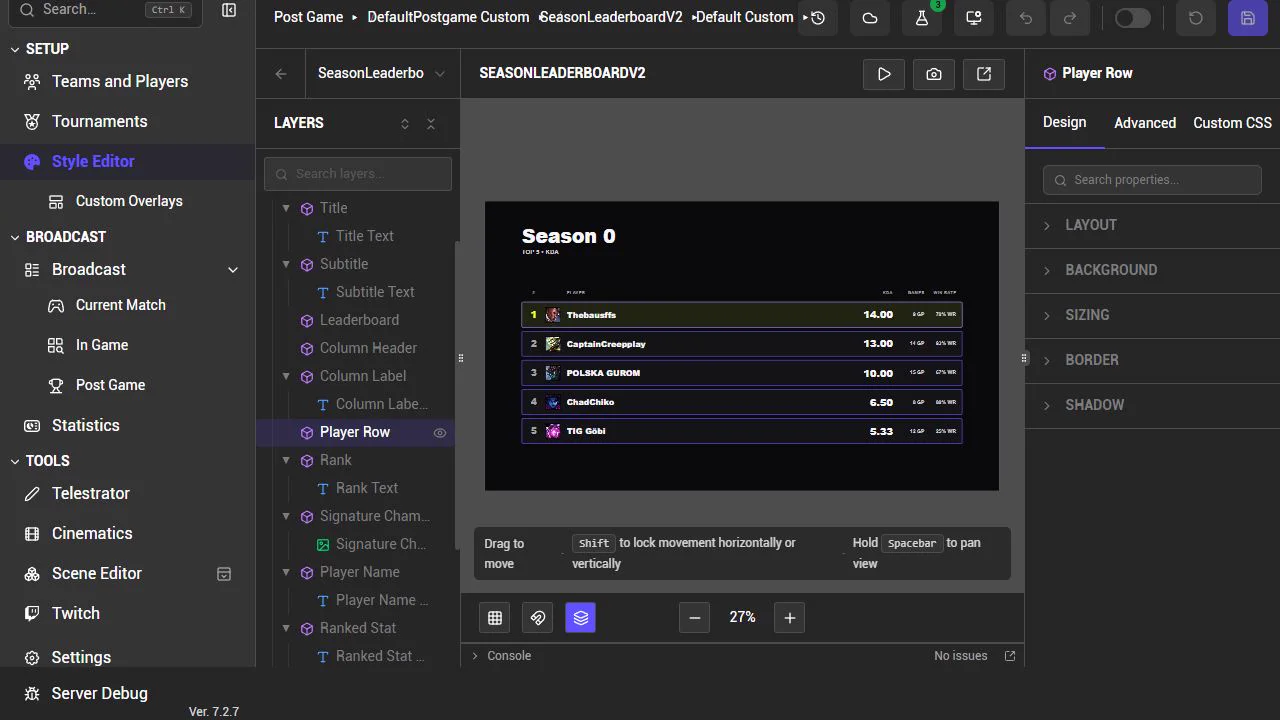
Get started
- 1
Install
Run the installer, then open League Broadcast. Updates install automatically.
- 2
Sign in
Sign in with your BlueBottle account. The Free plan needs no payment details.
- 3
Set up your production
Add teams and players, choose a style, then add the browser sources to your streaming software.
Common questions
Does League Broadcast run on Mac or Linux?
No. League Broadcast supports Windows 10 and 11 only.
Should I use the installer or portable version?
Use the installer for automatic updates. Choose the portable .zip when you cannot install software, such as on a shared tournament computer. Extract the folder and run the app.
How do the overlays get into my streaming software?
League Broadcast gives you a URL for each overlay. Add it to your streaming software as a browser source. See how it works or follow the tournament broadcast guide.
Which plan do I need?
Free covers your own event without event-specific support or paid League Broadcast work. Basic covers supported events and paid in-house work. Pro covers paid client work. The pricing page has the full comparison, and the plan examples cover common cases.