League of Legends broadcast overlay features
Explore production tools for champion select, live matches, post-game analysis, styling, cinematics, and tournaments. See which plan includes each feature.
Build the live HUD, then browse every on-air scene
Compose League Broadcast’s built-in graphics, or switch to the open-source demo to see a complete custom overlay in motion.
Preview source


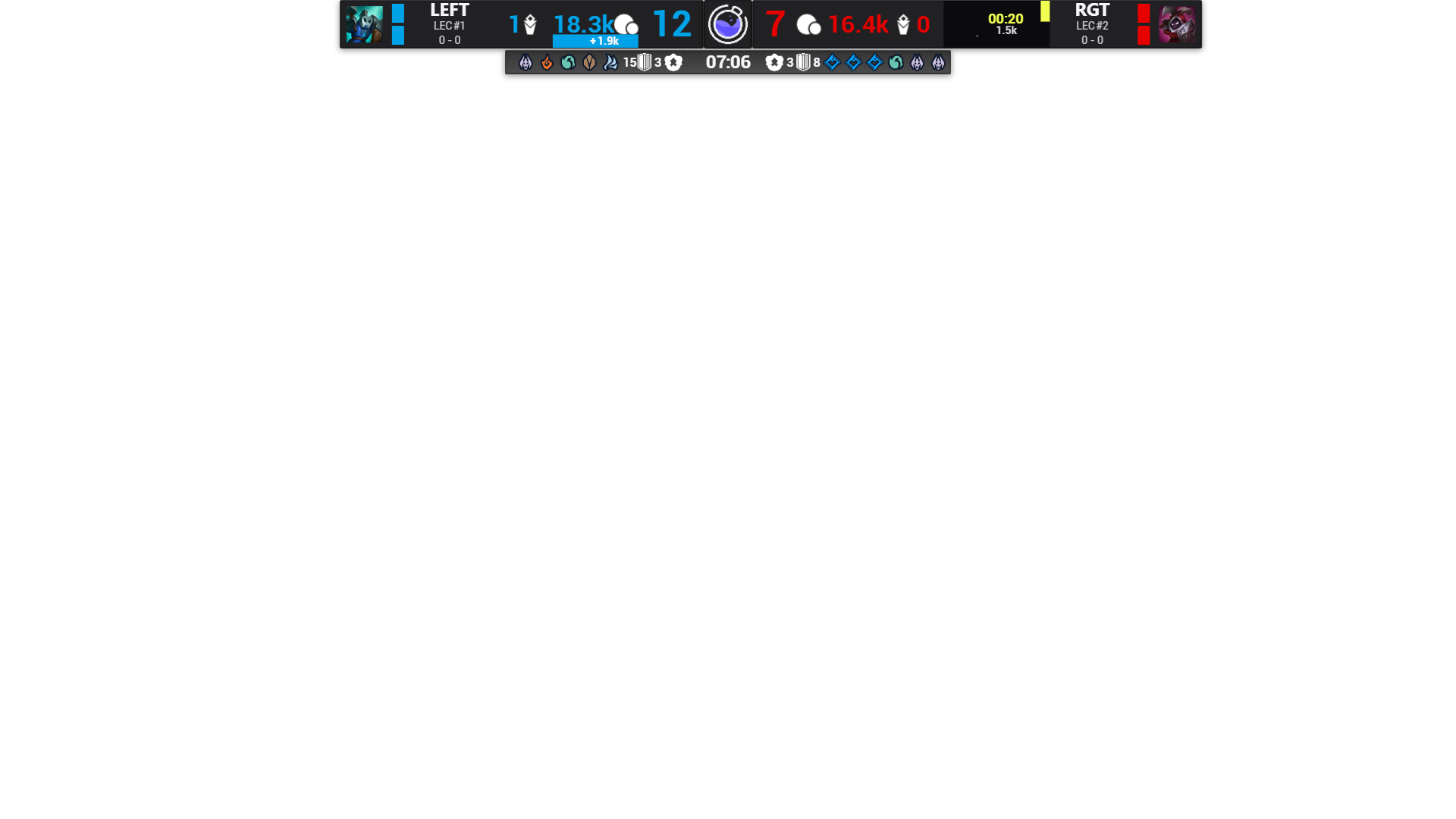
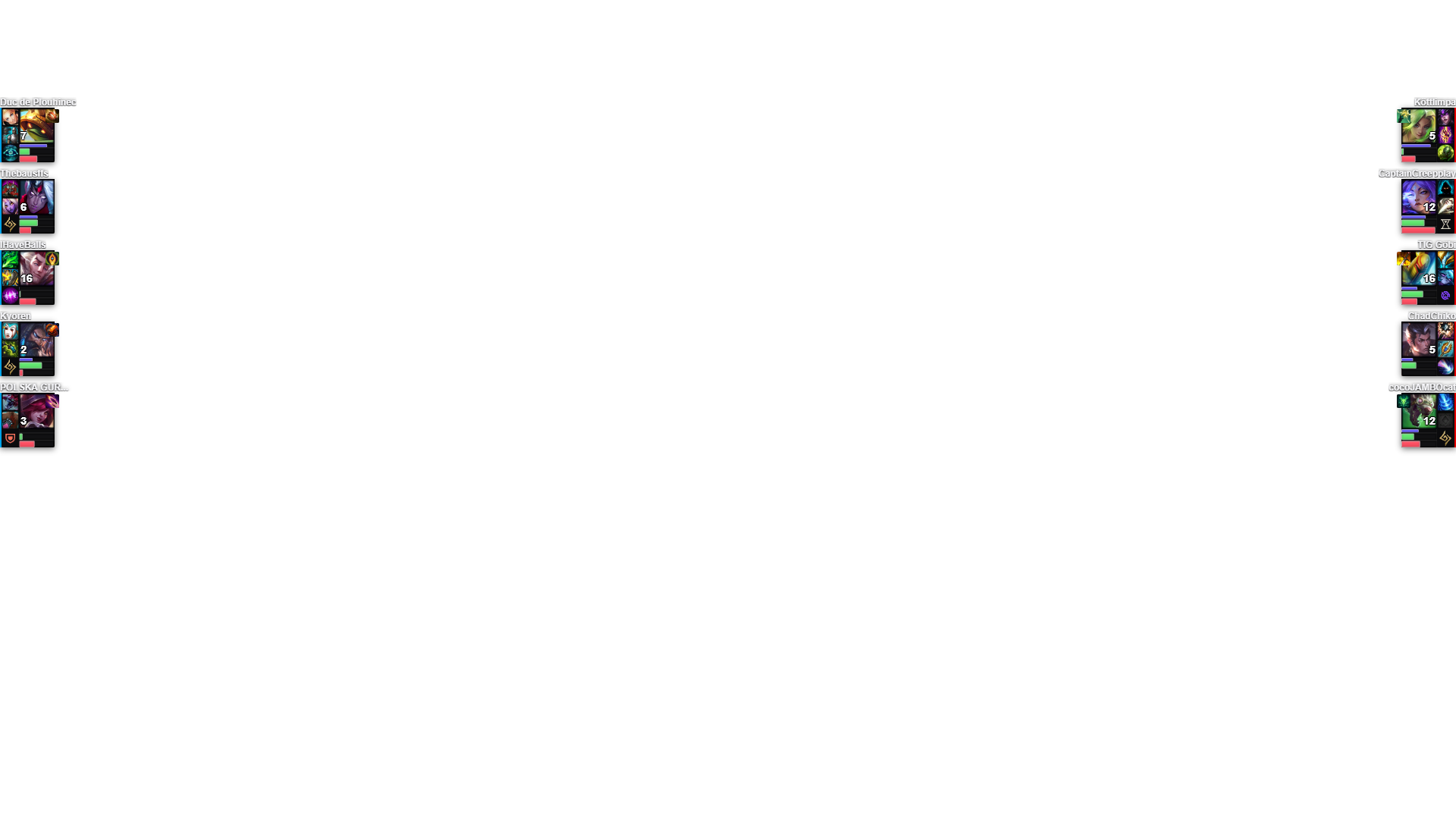
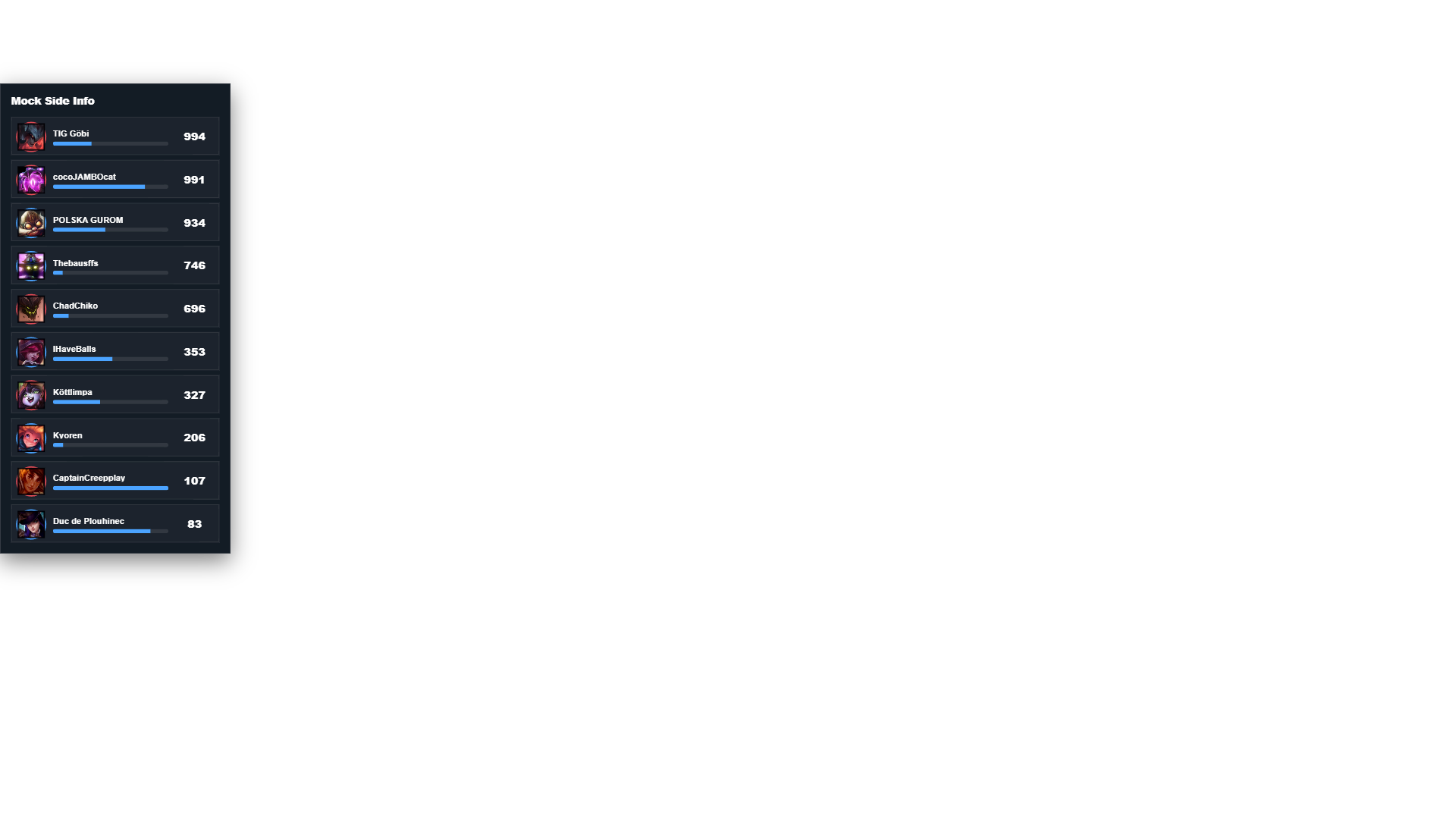
In-game components
Persistent HUD pieces stack. Large analysis graphics replace one another in the shared lower-third slot.
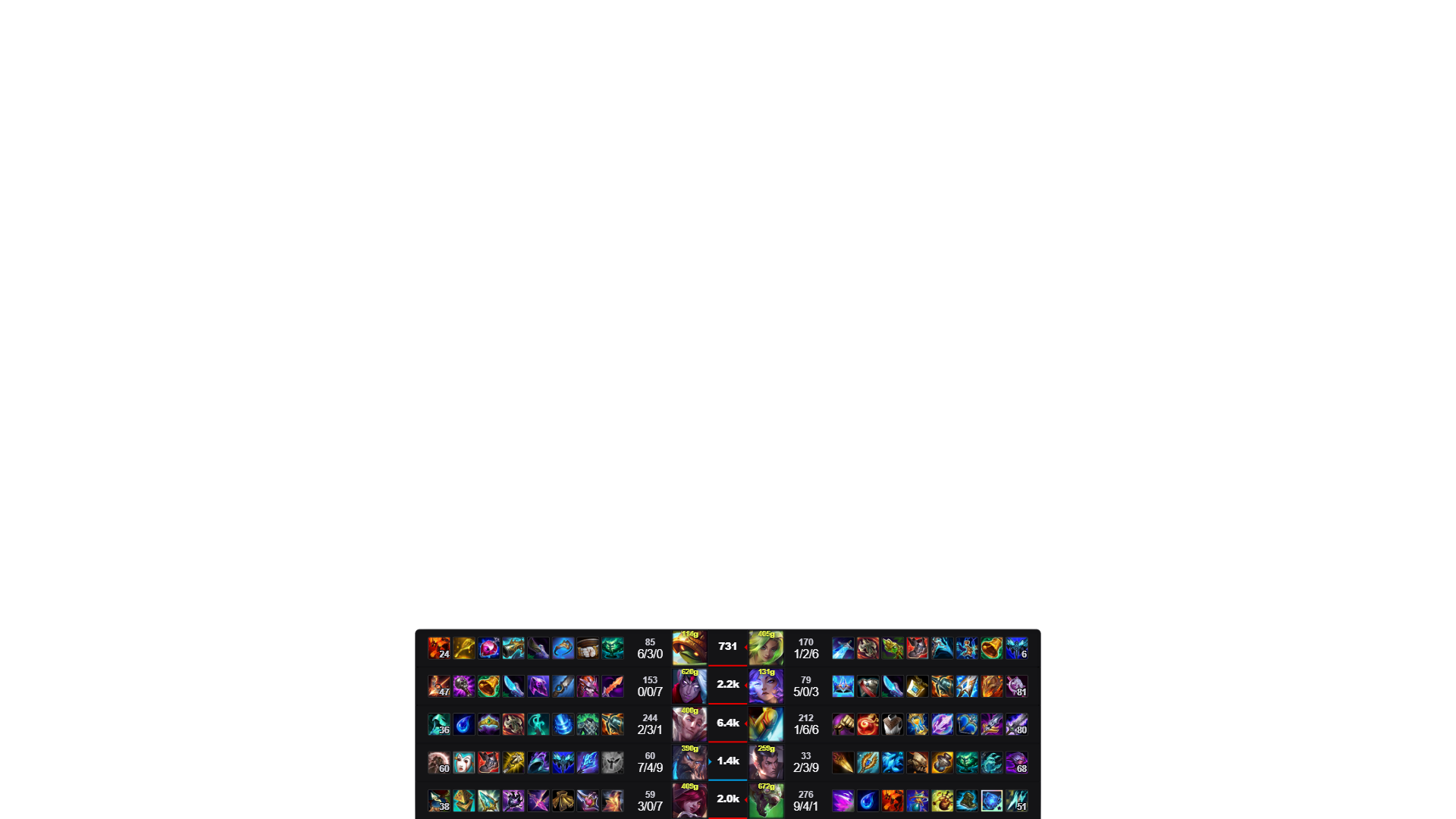
Player Scoreboard. Items, KDA, gold and creep score for every player.
Example build
Match HUD
Player intelligence
Analysis
Live events
Lowest plan for this build
Basic
Match setup and production workflow
Set up teams, matches, schedules, and on-screen content.
Team, player and game database
FreeReuse rosters, logos, player identities and match history across productions.
Match setup and broadcast flow
FreeImportant actions stay visible during each phase of the match.
Match switching
BasicSwitch between scheduled matches from the production screen.
Cloud backup and sync
BasicBack up databases, styles and custom overlays and sync them between machines.
Champion select, in-game and post-game overlays
Create and style champion select, in-game, and post-game graphics.
Champion select and in-game overlays
FreeBottom Row, Global Scoreboard, Champion Tabs, Inhibitor Timer, and Player Scoreboard.
Local style customisation
FreeSet colours, fonts and layouts, then save them with the production.
Style Editor v2
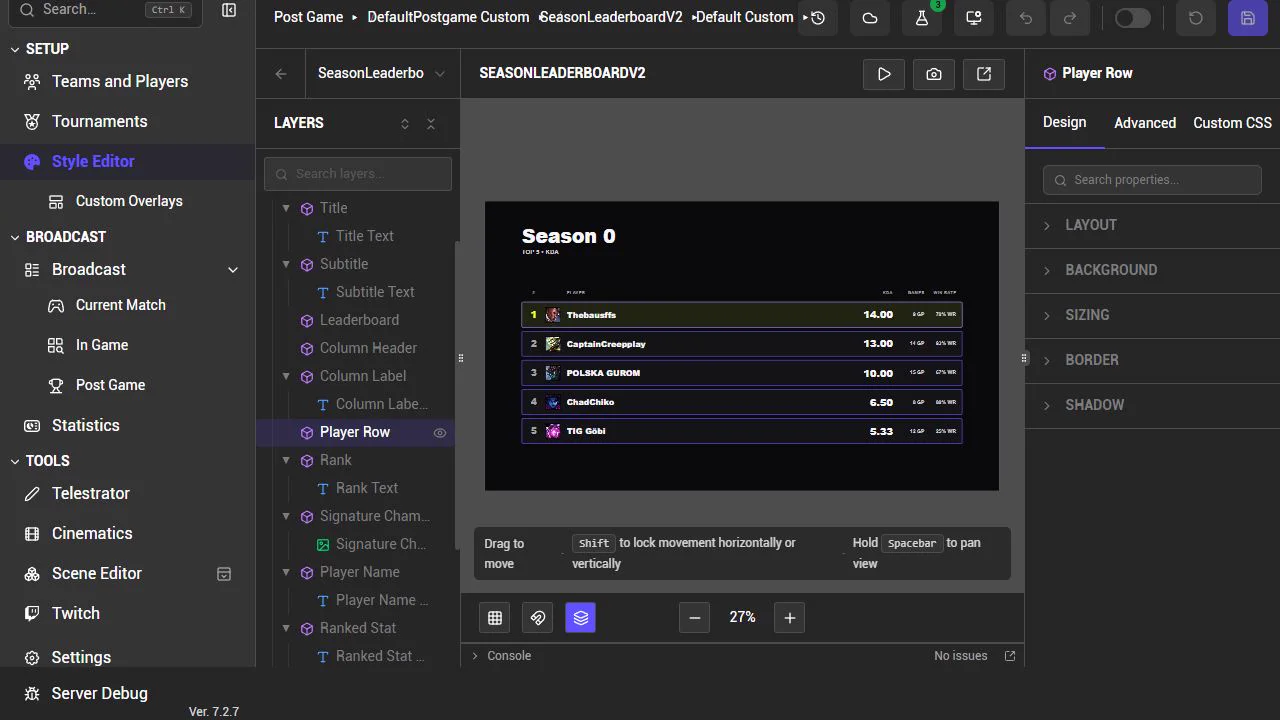
FreeWork in a live layer tree with per-property panels, drag and snap, silhouette guides, and undo and redo.
Custom browser-source overlays
FreeAdd, validate and preview your own browser-source packages.
Advanced in-game fields
BasicGold Graph, Teamfight Damage, Kill Feed, Rune Display, and the full standard overlay suite.
Post-game statistics and graphics
BasicGame Analysis modes, player builds and stats, matchup pages, Fearless recaps, Season Leaderboard, and Season Spotlight.
Cinematics and in-world graphics
Place broadcast graphics and cinematic props in the game world.
Camera-only cinematic playback
FreeRun cinematic camera sequences without staging or props.
In-world score, names and logos
BasicPlace team names, logos, scores, and sponsor graphics in the game world.
Cinematic camera, generic props and custom fonts
BasicCamera sequences with generic in-world objects and custom type, built in the embedded editor.
Player-bound cinematic props
ProBind in-world cinematic props to the players and teams in the match.
Full scene editor, models and decals
EnterpriseScene lifecycle, components, scripting, prefabs, and your own uploaded models and decals.
Automation
Automate routine graphics and camera cues from live game events.
Caster mode and hotkeys
FreeBuild and configure caster-triggered buttons, then run them with hotkeys during the production.
Event feed
BasicView kills, objectives and teamfights in caster mode, then trigger the related graphic.
Automatic camera control
BasicTrigger camera sequences from in-game events.
Announcer and event-driven transitions
ProGame events trigger graphics and transitions automatically.
Champion Detail
ProPer-champion data, controls and automatic rules available in caster mode.
Twitch audience controls
FreeRun chat votes, polls and predictions from the production interface. Twitch account eligibility still applies.
Tournaments and statistics
Carry match results into standings and season statistics.
Tournaments and match workflow
BasicOrganise seasons, tournaments, teams, players, and match history.
Statistics generator
BasicGenerate draft and historical statistics from completed matches.
Remote and collaboration
Let remote casters and producers work from a live game-data feed.
Remote caster and producer sessions
ProCasters join remotely through a live game-data feed. Account credentials stay private.
Camera and mirror synchronisation
ProKeep multiple machines synchronised to the same point in the game.
Multiple concurrent productions
EnterpriseRun concurrent productions under one organisation.
Integrations and data
League Broadcast serves overlays as browser sources and reads local game state frame by frame. Pro can send that data to your own systems.
Production webhooks
ProTrigger your systems from production events.
Live game-data feed
ProSend game state to your overlays, engines or analysis tools.
Integration and game-data controls
ProChoose what data is exposed and who can access it.
Custom integrations and deployment
EnterpriseCustom data handling, deployment and engineering under agreement.
Scale, governance and support
Controls and support for larger production teams.
Organisation administration and roles
EnterpriseCentral control over who can do what across your productions.
SSO, audit and procurement support
EnterpriseMeet identity, audit, and purchasing requirements.
Dedicated or private infrastructure
EnterpriseDedicated or on-premises services under agreement.
SLA and named support
EnterpriseContracted response, named contacts, and event coverage options.
Which plan do I need?
Choose a plan based on the organiser and any paid client work.