
Pre-game
Style your overlays
Change colours, fonts, and layouts in the style editor. Apply the same style across the broadcast.
Run champion select, in-game, and post-game overlays from one Windows app. Add them to OBS Studio or other streaming software as browser sources.
Free to start on Windows 10 and 11.
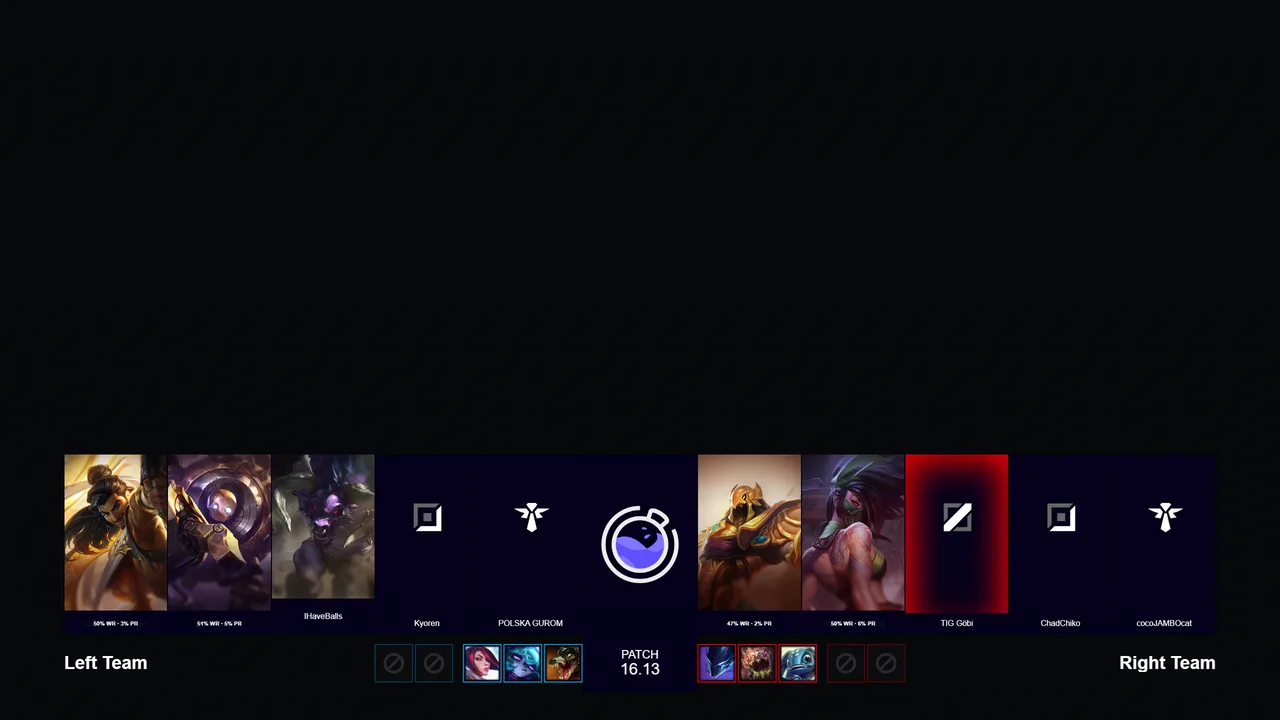
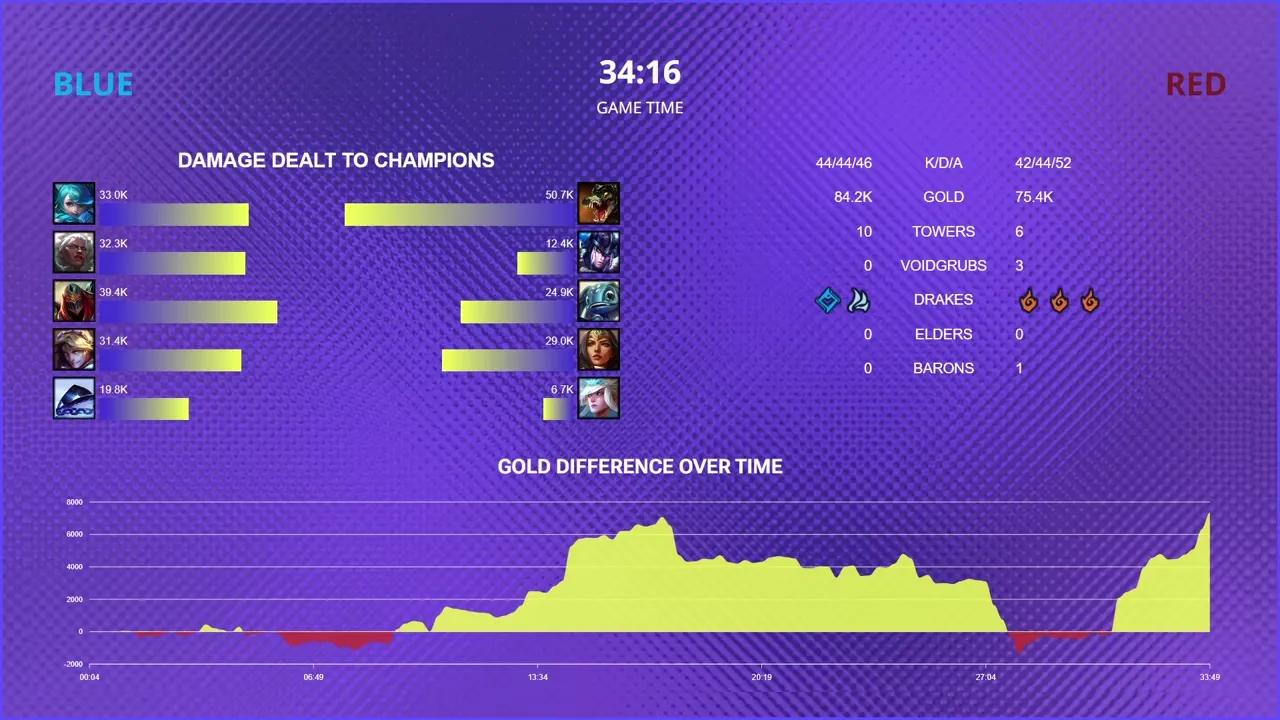




Set up champion select, branding, and overlays before airtime.
Local game data updates the live graphics every frame.
Show results and update season statistics when the match ends.
Pre-game
Change colours, fonts, and layouts in the style editor. Apply the same style across the broadcast.
In-game
Run scoreboards and analysis as overlays. Build spline-based cinematic camera tracks, then place team and champion assets directly on the Rift.
Post-game
Use completed matches for standings, head-to-head records, and season statistics.
Plan camera moves, operate them natively, and compose multiple views from the same client.
Edit smooth spline camera tracks, native jumps, and in-world elements with an in-game preview.
Use a controller for directed, free, and dolly cameras, with editable bindings for every action.
Show synchronised camera views without a multi-PC setup or separate compositing and sync work.
Compose real overlay components and on-air screens to see the lowest plan your show needs.